
The FC Chelsea 2019–20 kits introduced a bold design direction that still feels fresh today. Even in Dream League Soccer 2026, these kits remain popular because they are visually strong, easy to recognize, and perform well with the game’s modern graphics engine.
If you’re looking for 512×512 Chelsea kits for DLS 26, along with a proper Chelsea logo download and a simple import guide, this article gives you everything in one place.
Why Chelsea 2019–20 Kits Still Work in DLS 26
The Chelsea FC 2019–20 designs focused on bold patterns and deep colors. In Dream League Soccer 2026, that translates into:
- Strong contrast between players and pitch
- Clear shirt numbers during fast gameplay
- Better visibility under night-match lighting
This makes the kits suitable for career mode, online matches, and gameplay recording.
Chelsea Logo Download for DLS 26
To complete your club setup, many users search for a Chelsea logo download for DLS 26.
Recommended logo specifications:
- Resolution: 512×512 pixels
- Format: PNG
- Background: Transparent
Using the correct logo size prevents distortion in menus and match overlays.
https://i.imgur.com/fLQ27h0.pngHow to Import Chelsea Logo in DLS 26
If you’re asking how to import the Chelsea logo in DLS 26, follow these steps:
- Copy the Chelsea logo URL (512×512)
- Open Dream League Soccer 2026
- Go to My Club → Customize Team → Edit Logo
- Paste the URL and confirm
The logo will apply instantly.
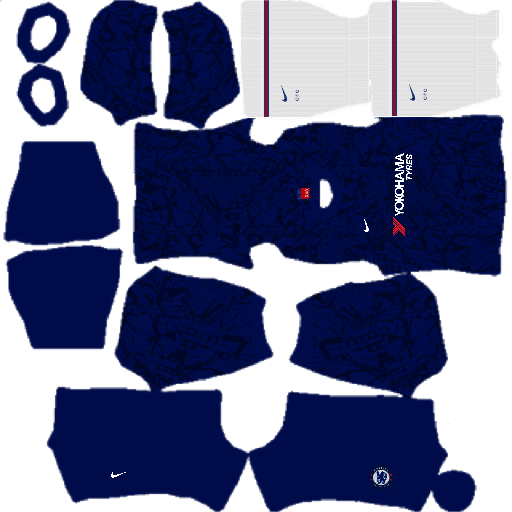
Chelsea 2019–20 Home Kit (512×512)
The home kit is instantly recognizable thanks to its deep blue color and distinctive graphic pattern. In DLS 26, this kit looks confident and modern without becoming distracting.
Why players still choose it:
- Blue color remains sharp in all stadiums
- Pattern does not blur in motion
- Ideal for long league seasons
Using the 512×512 Chelsea kits for DLS 26 format ensures the kit fits perfectly on player models.
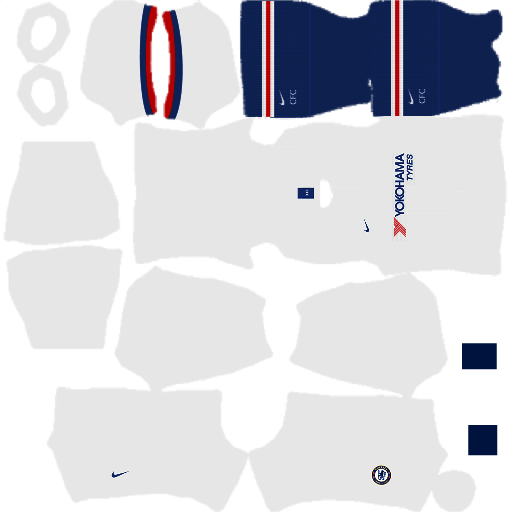
https://i.imgur.com/NLaq0C9.pngChelsea Away Kit 2019–20 – DLS 26
The away kit provides a lighter alternative, which is useful when playing against blue or dark-colored teams.
Best situations to use it:
- Away fixtures
- Online matches for better contrast
- Night games with heavy shadows
It’s fully optimized for DLS 26 visuals and performance.
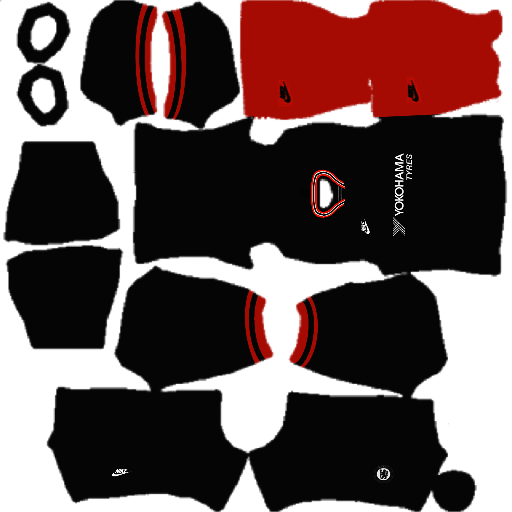
https://i.imgur.com/YtWMIJW.pngChelsea Third Kit
Some 2019–20 Chelsea kit packs include a third or alternate kit. These are popular among players who want variety without changing clubs.
Common use cases:
- Cup matches
- Special tournaments
- YouTube gameplay and Shorts
All versions follow the 512×512 standard, ensuring smooth loading.
https://i.imgur.com/0ZIArma.pngGK Home
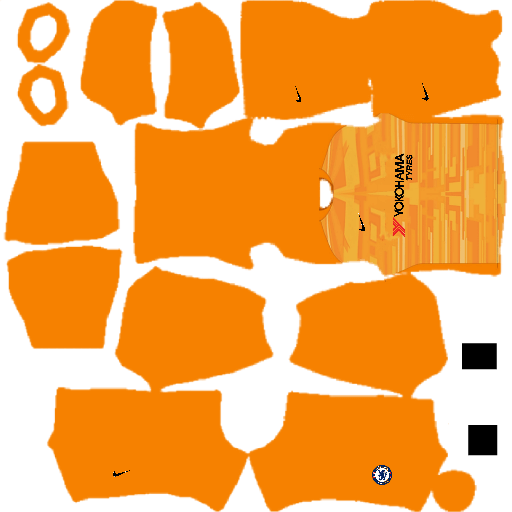
https://i.imgur.com/fwugUM7.pngGK Away

https://i.imgur.com/ywqC9mc.pngGK Third
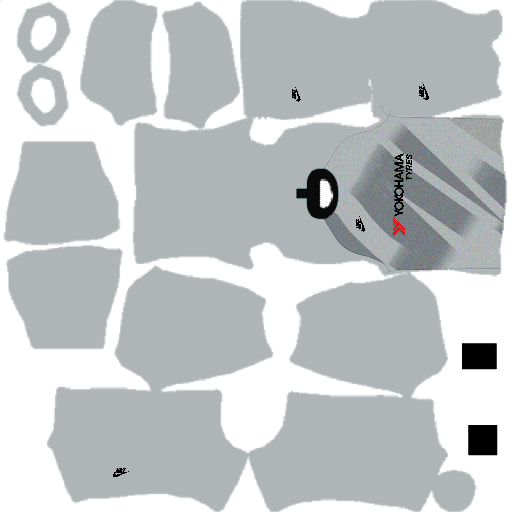
https://i.imgur.com/NvIHRAI.pngHow to Import 512×512 Chelsea Kits in DLS 26
To use the Chelsea 2019–20 kits in DLS 26:
- Copy the kit URL from your website or app
- Open Dream League Soccer 2026
- Navigate to My Club → Customize Team → Edit Kit
- Paste the URL and save
The FC Chelsea 2019–20 512×512 kits for Dream League Soccer 2026 remain a solid choice for players who want a bold club identity, smooth visuals, and reliable in-game performance. When paired with the Chelsea logo download for DLS 26, your team setup looks complete and professional.
Great content! Super high-quality! Keep it up! 🙂
That is good and yeah please make Chelsea kit DLS 2018/19 for dls20
Impressed with the Chelsea kit
Hola muchas gracias por los Kits, necesito ayuda necesito el Kits de wolves please
Adicionar o kit do Napoli
Love this work