
The Tottenham Hotspur kits bring a clean and minimal Premier League look into Dream League Soccer 2026. Known for their classic white home identity, Spurs kits translate very well into DLS 26 gameplay.
If you’re searching for Tottenham Hotspur kits 512×512 for DLS 26, this collection includes Home, Away, Third, Goalkeeper kit, and logo — all ready for direct use.
Tottenham Hotspur Logo for DLS 26 (512×512)
The official-style Tottenham Hotspur logo DLS 26 is provided in matching 512×512 format for clean display across menus and match overlays.

https://i.imgur.com/Asg1XKe.pngTottenham Hotspur Home Kit – 512×512 DLS 26
The traditional white home design keeps things sharp and professional on the pitch. In DLS 26, the clean layout ensures clear player visibility during matches.
Formatted as Tottenham Hotspur 512×512 kits DLS 26 for seamless in-game import.
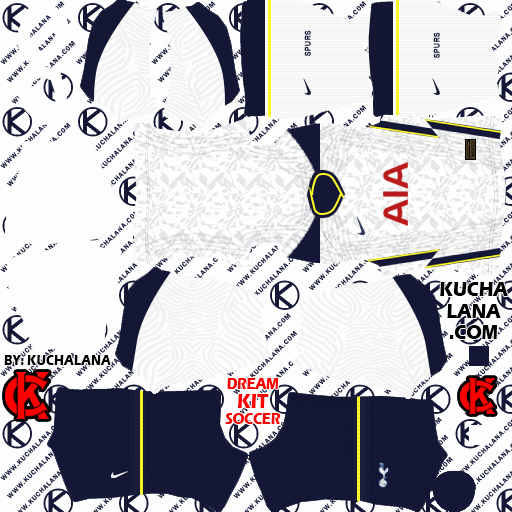
https://i.imgur.com/N9fBZbg.pngTottenham Hotspur Away Kit – DLS 26
The away kit introduces a darker or alternate color scheme, giving you strong contrast during away fixtures and online matches.
Fully optimized in 512×512 resolution for Dream League Soccer 2026.
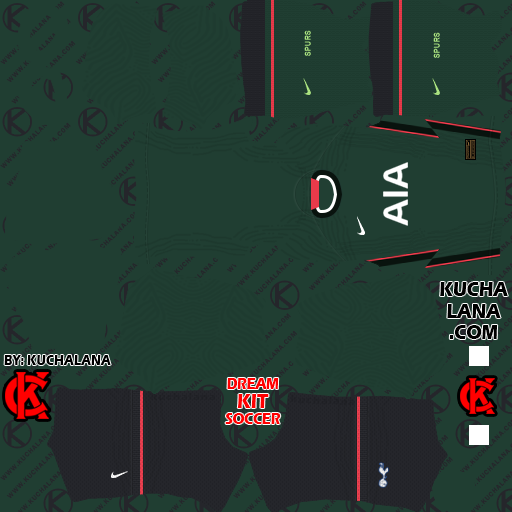
https://i.imgur.com/DKDlROX.pngTottenham Hotspur Third Kit
The third kit provides a bold rotation option for tournaments and long career-mode seasons. It keeps the club identity while adding variety to your squad’s appearance.
Part of the complete Tottenham kits DLS 26 setup.
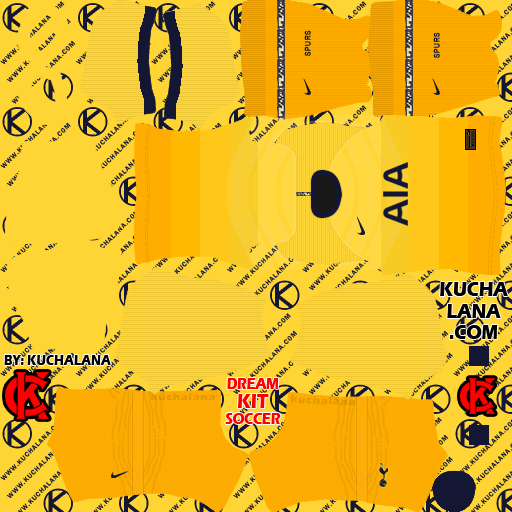
https://i.imgur.com/kJc7l1W.pngTottenham Hotspur Goalkeeper Kit 512×512
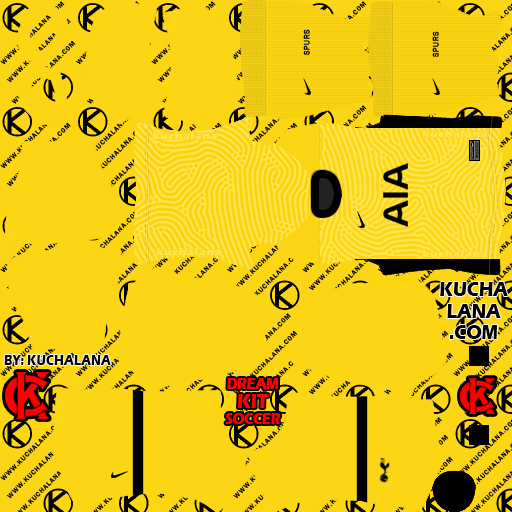
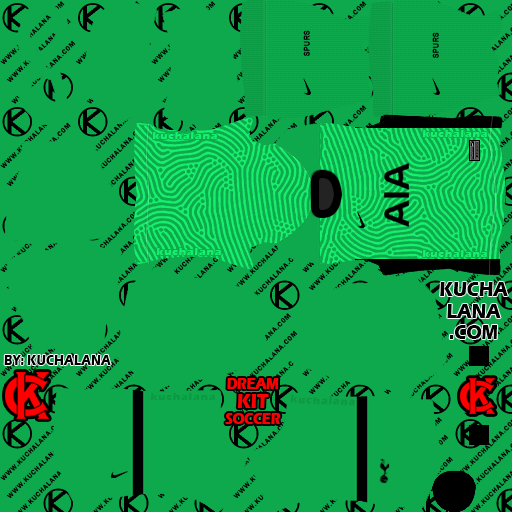
The full set includes the Tottenham Hotspur goalkeeper kit 512×512, ensuring a complete team presentation.
Home, Away, Third, and GK kits are all aligned for Dream League Soccer 2026.
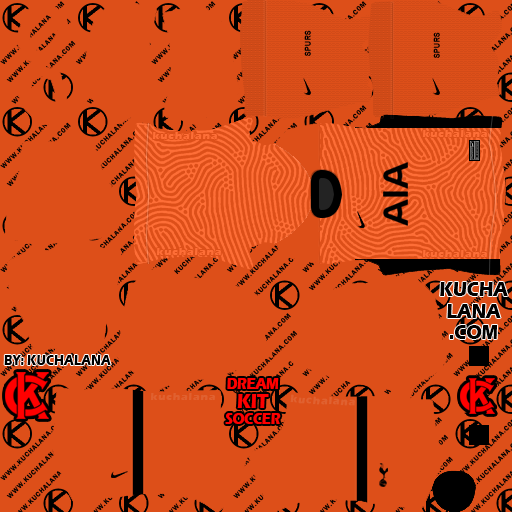
https://i.imgur.com/pXtcXns.pngGK Away Kit
https://i.imgur.com/IGY80o2.pngGK Third Kit
https://i.imgur.com/uo9ZIYP.pngInstallation Tutorial
- Open Game
- Click on the Customize icon at the top corner
- Edit logo/kits
- Click on Download
- Copy Kits & Logo link from this post
- Paste in the apk and save.
How to Import Tottenham Hotspur Kits in DLS 26
- Copy the kit URL
- Open Dream League Soccer 2026
- Go to My Club → Customize Team → Edit Kit
- Paste and confirm
Repeat for Home, Away, Third, and Goalkeeper kits.
To import the logo:
- Go to Edit Logo
- Paste the logo URL
- Save
The Tottenham Hotspur 512×512 kits for DLS 26 provide a complete and polished Premier League setup inside Dream League Soccer 2026.