 Logo
Barcelona
by Dynamic DLS 5.7 Rookie
Free kits and logos made by the community. Every design is a direct 512×512 PNG URL — copy it and paste it into Dream League Soccer 2026 in one tap.
Logo
by Dynamic DLS 5.7 Rookie
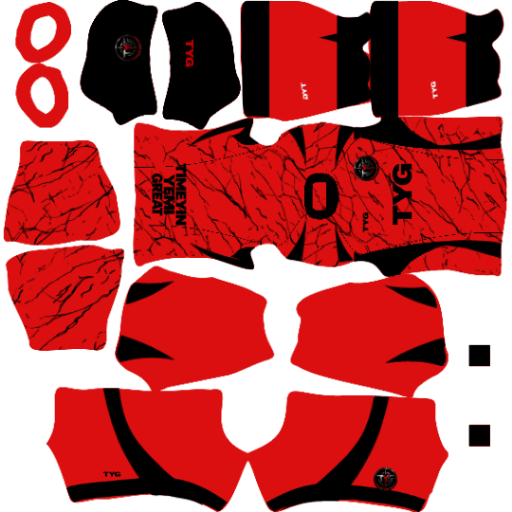 Kit
by Timeyin Yemi great Rookie
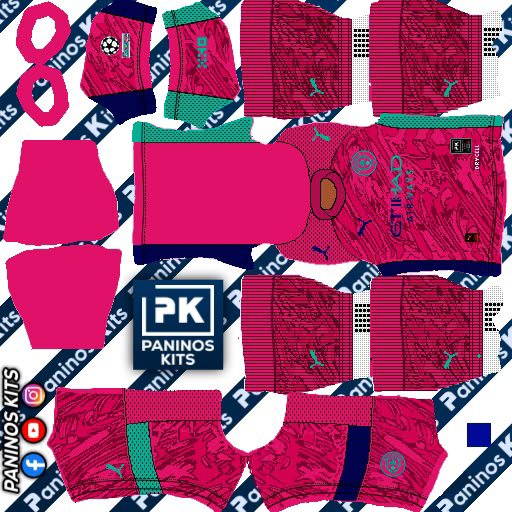 Kit
by App user
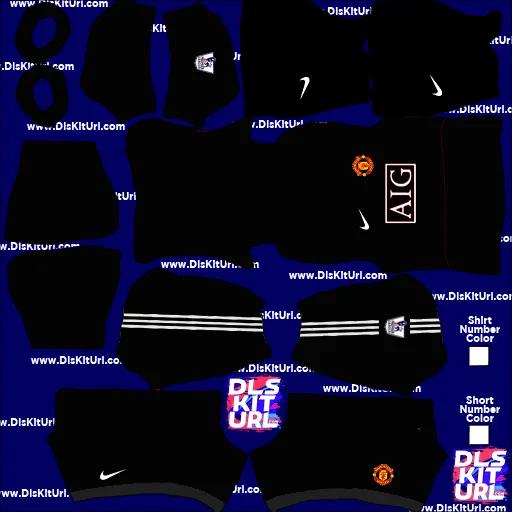 Kit
by App user
 Kit
by App user
 Logo
by امیر مهدی اسدی Rookie
 Kit
by aggelos giamakidis Rookie
 Kit
by Красимир Rookie
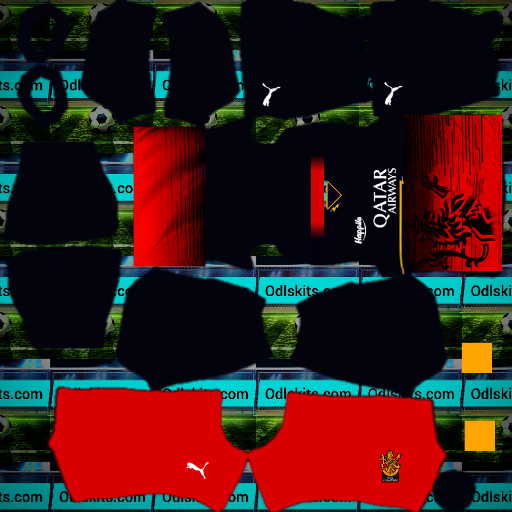 Kit
by Sakil Ali Rookie
 Logo
by Hajnour Abdo Rookie
 Logo
by Ahmed Rookie
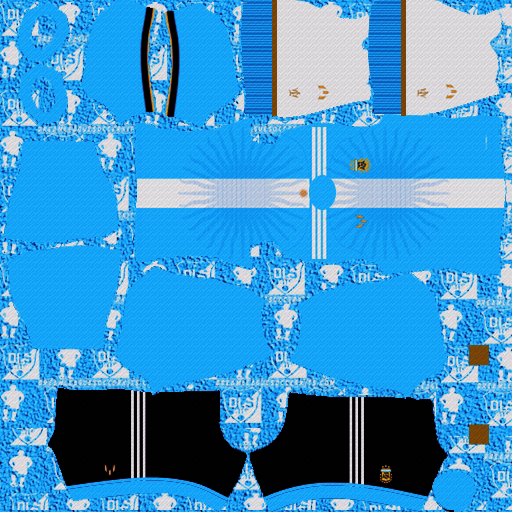 Kit
by BAUTISTA OSTERRIETH Rookie
 Logo
by Amina Maduu Rookie
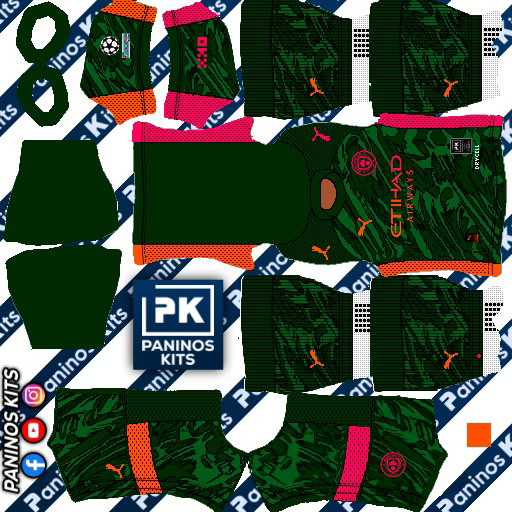 Kit
by App user
 Logo
by showmic Rookie
 Logo
by MR SRABON Rookie
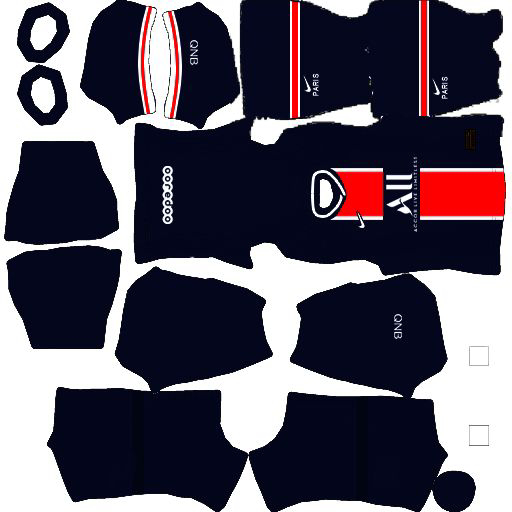 Kit
by Angel Rookie
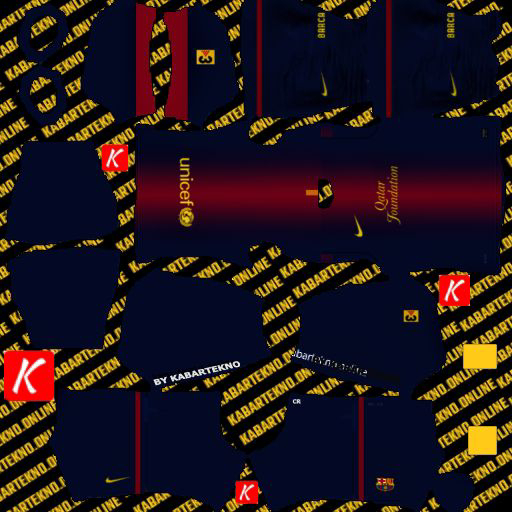 Kit
by Angel Rookie
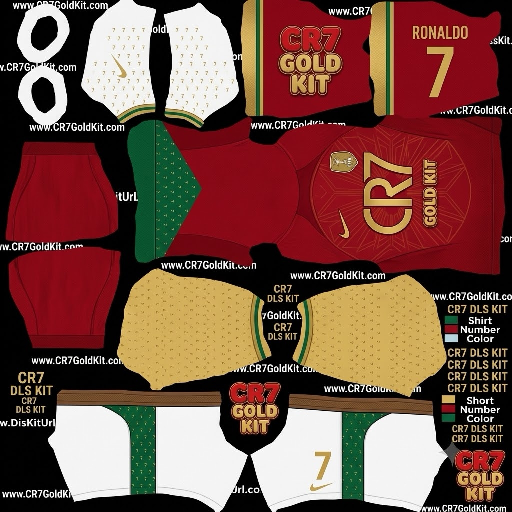 Kit
by App user
 Logo
by Ozam Mesi Rookie
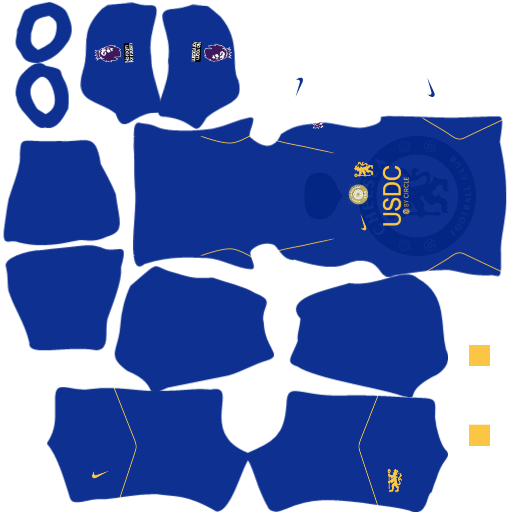 Kit
by Paul Rookie
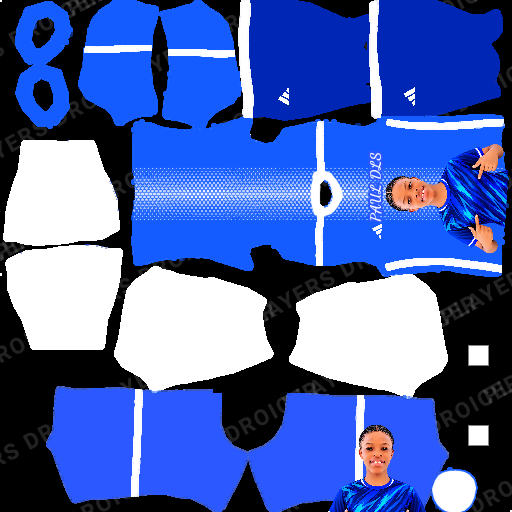 Kit
by Paul Rookie
 Logo
by App user
 Logo
by App user
The SakibPro hub is a free library of Dream League Soccer 2026 kits and logos. Players upload their designs, a moderator checks them, and everyone can use them. Each design has its own page with a direct 512×512 PNG URL, so you never have to resize or host an image yourself.
Looking for a specific team? Use the search box or a tag like Real Madrid or Barcelona. Want a custom badge instead? Make one with our DLS logo uploader, or build your squad in the squad builder and check player prices in the player database.
Create a free account, upload a kit or logo, and earn creator badges — Rookie, Elite and Master — as your approved uploads grow. Creators with clean uploads are published instantly.
Tap a design and press Copy URL. Open Dream League Soccer 2026, go to My Club › Customise › Kit (or Logo), choose Custom, paste the link and confirm. Custom kits need to be unlocked in the game first.
Yes. Every design is shared by the community for free personal use in Dream League Soccer. Copying the link or downloading the PNG costs nothing.
Every file is a PNG of exactly 512×512 pixels — the size DLS expects for kits and logos. Uploads are resized automatically without stretching.
Log in, tap Upload, choose your image (or paste an image link), add a title and a few tags, and submit. A moderator checks each design, usually within 24 hours. Active creators with clean uploads are published instantly.
We decline duplicates, blurry or broken images, non-DLS images, and anything offensive. Repeated spam leads to an upload ban.
Open the design and use “Report / takedown”, or email [email protected] with the link. We remove valid requests quickly.