What is the DLS 26 Squad Builder?
Last Updated:
Welcome to the ultimate Dream League Soccer 2026 Squad Builder! Whether you are a casual player looking for inspiration or a competitive DLS manager planning your next major lineup in the Global Dream League, our Squad Builder tool gives you the absolute freedom to create, customize, and share your perfect team.
Experiment with your favorite players, test different tactical formations, and see how player stats affect your overall team rating before you spend your hard-earned coins and gems in-game. Avoid the risk of buying the wrong players in the transfer market by simulating your dream squad here first.
🌟 Key Features of the Squad Builder
- Live Team OVR Calculator: Instantly see your Team's Overall Rating (OVR) adapt as you add new players, swap positions, and build your roster.
- Advanced Budget Estimator: Keep track of your transfer market spending. The dynamic budget calculator updates in real-time to show you the estimated total coin cost of your starting XI.
- Multiple Formations: Choose from all popular DLS 26 tactical setups, including attacking variations like 4-3-3 and 4-1-2-3, or defensive masterclasses like 3-5-2 and 5-2-1-2.
- Auto-Import Teams: Save time by loading the best starting XI for any official Club or National team instantly. Our algorithm automatically slots the highest-rated players into their natural positions.
- Custom Pitch & Logos: Personalize your tactical board. Upload a custom pitch background and insert official club crests directly onto the grass for a premium visual experience.
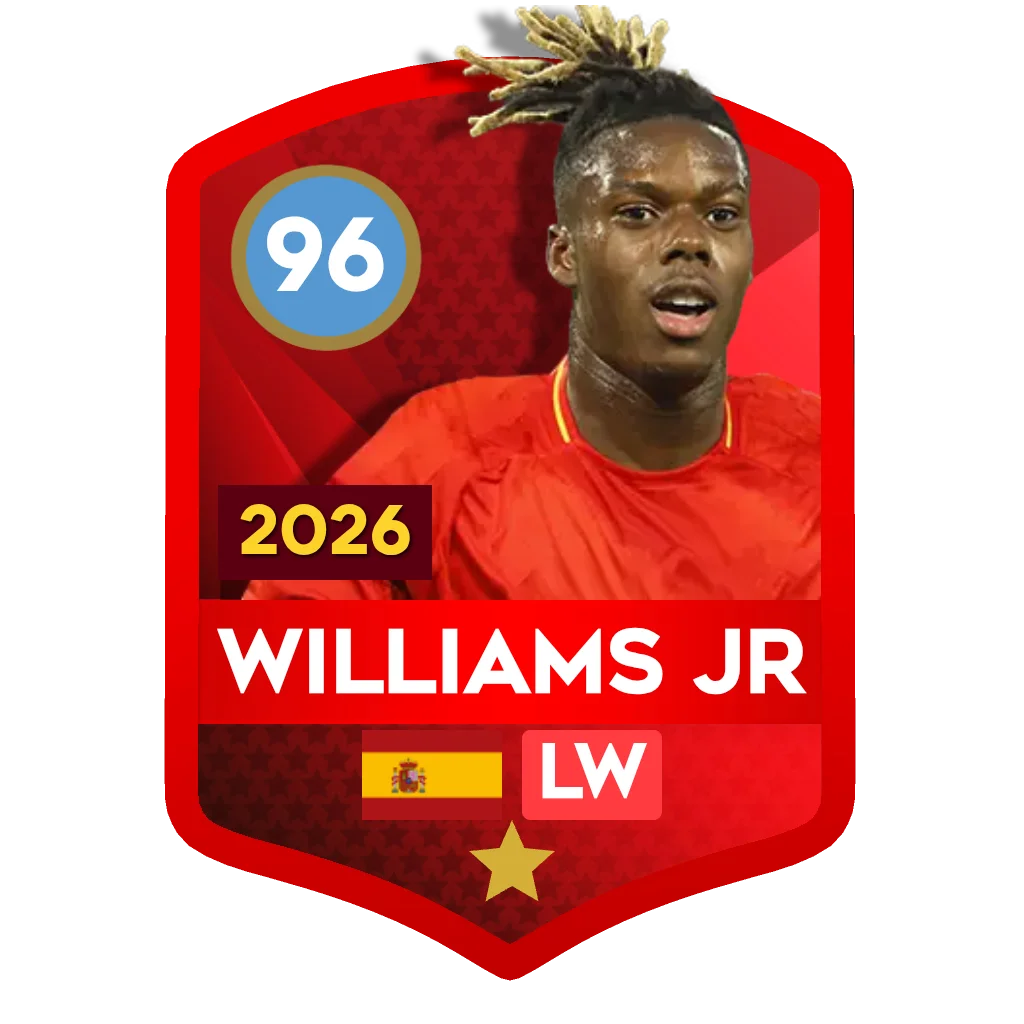
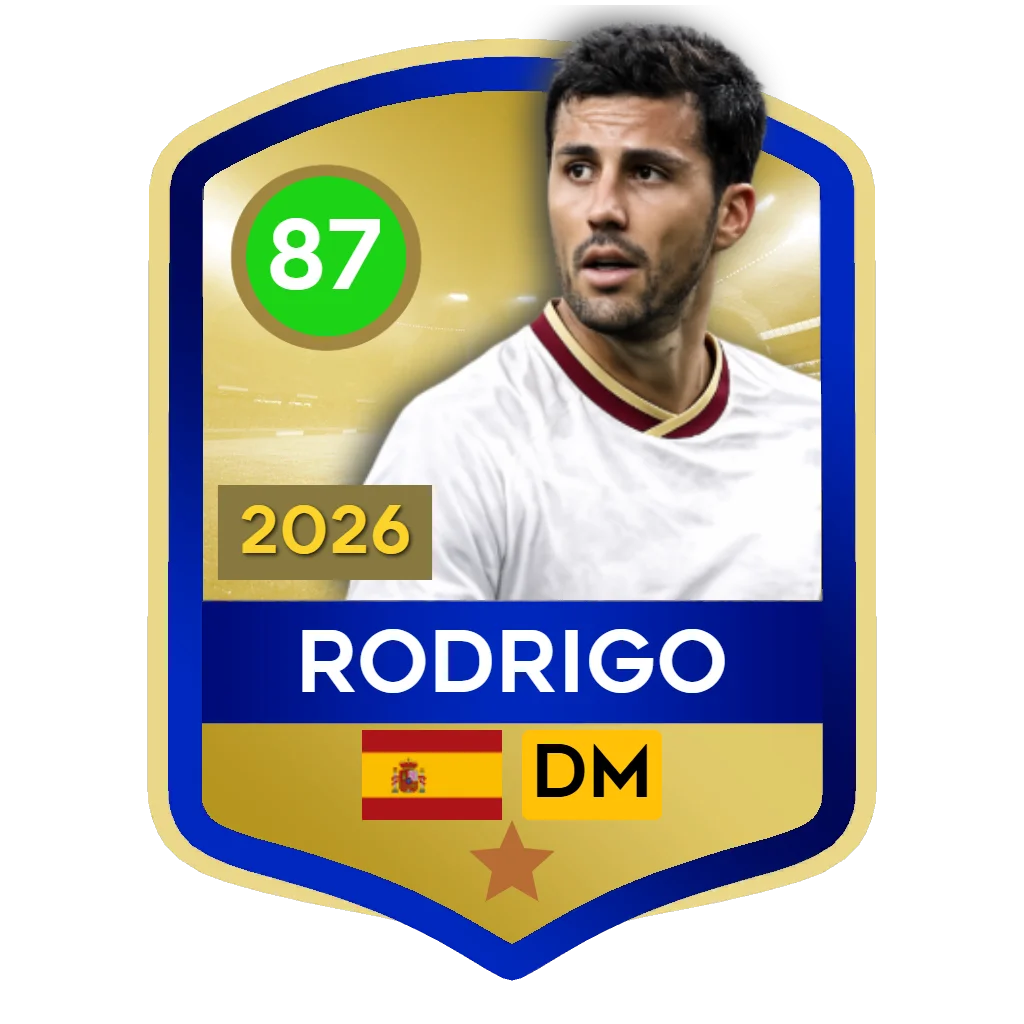
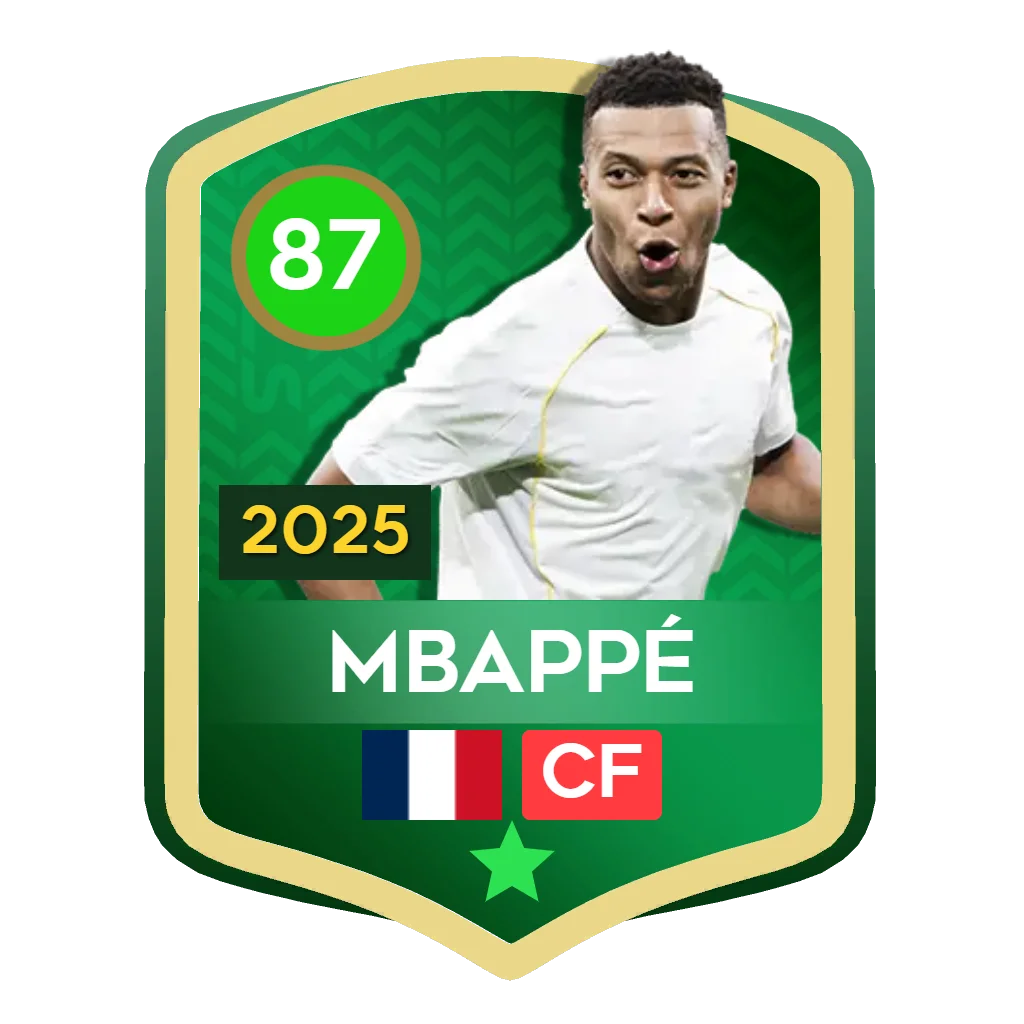
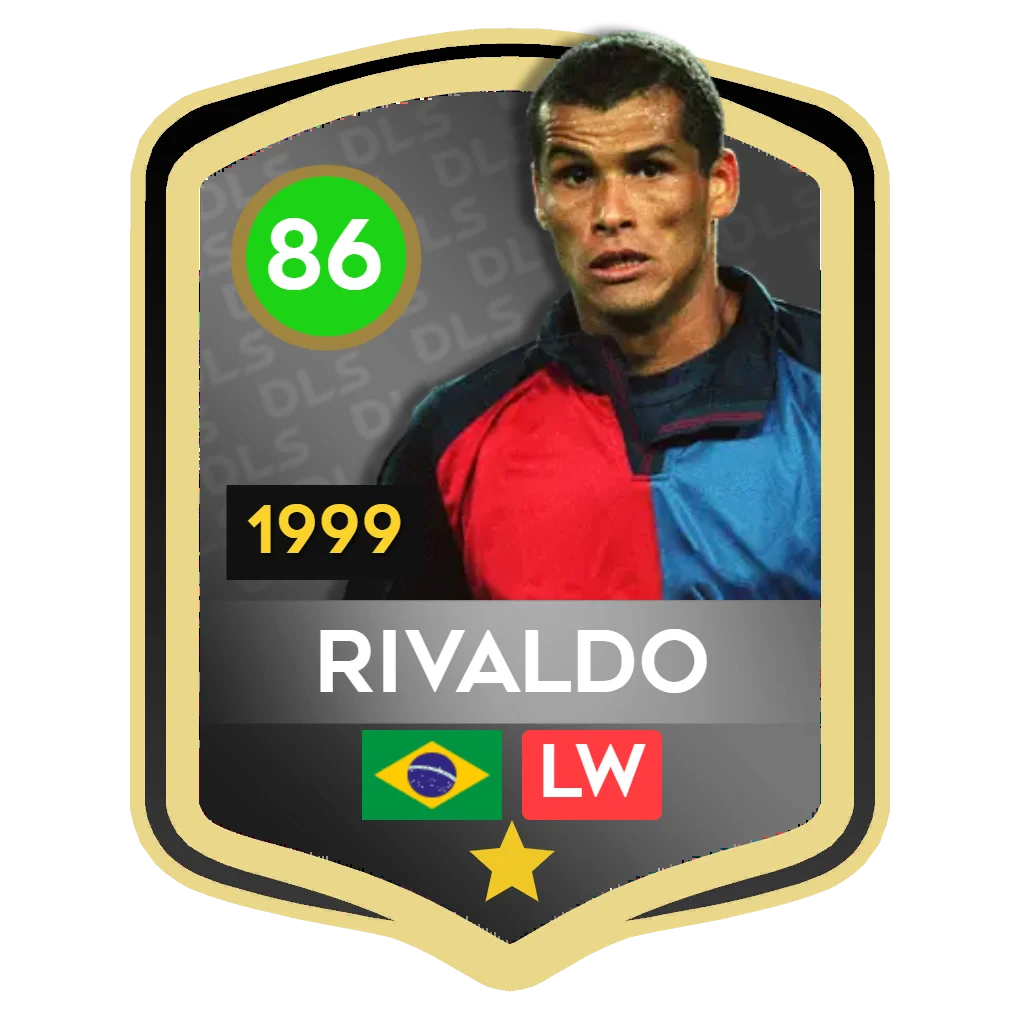
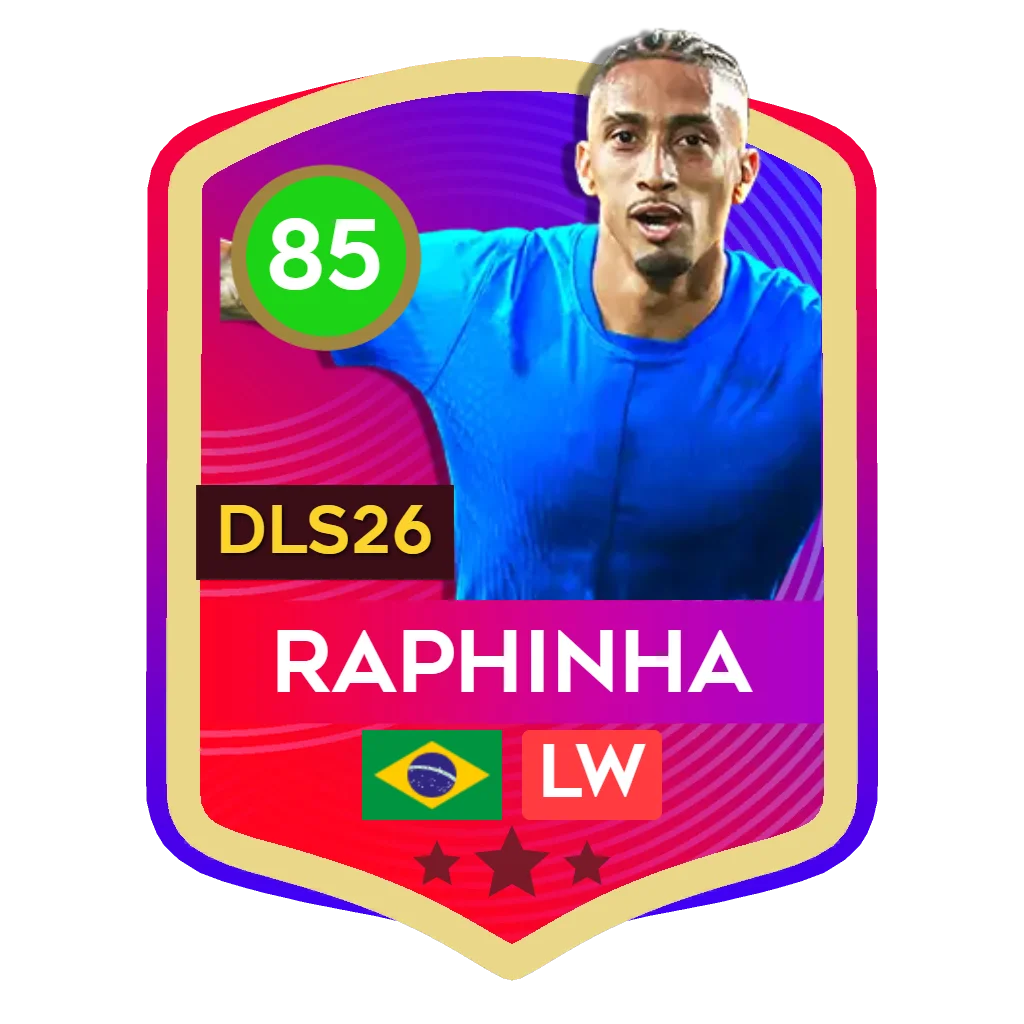
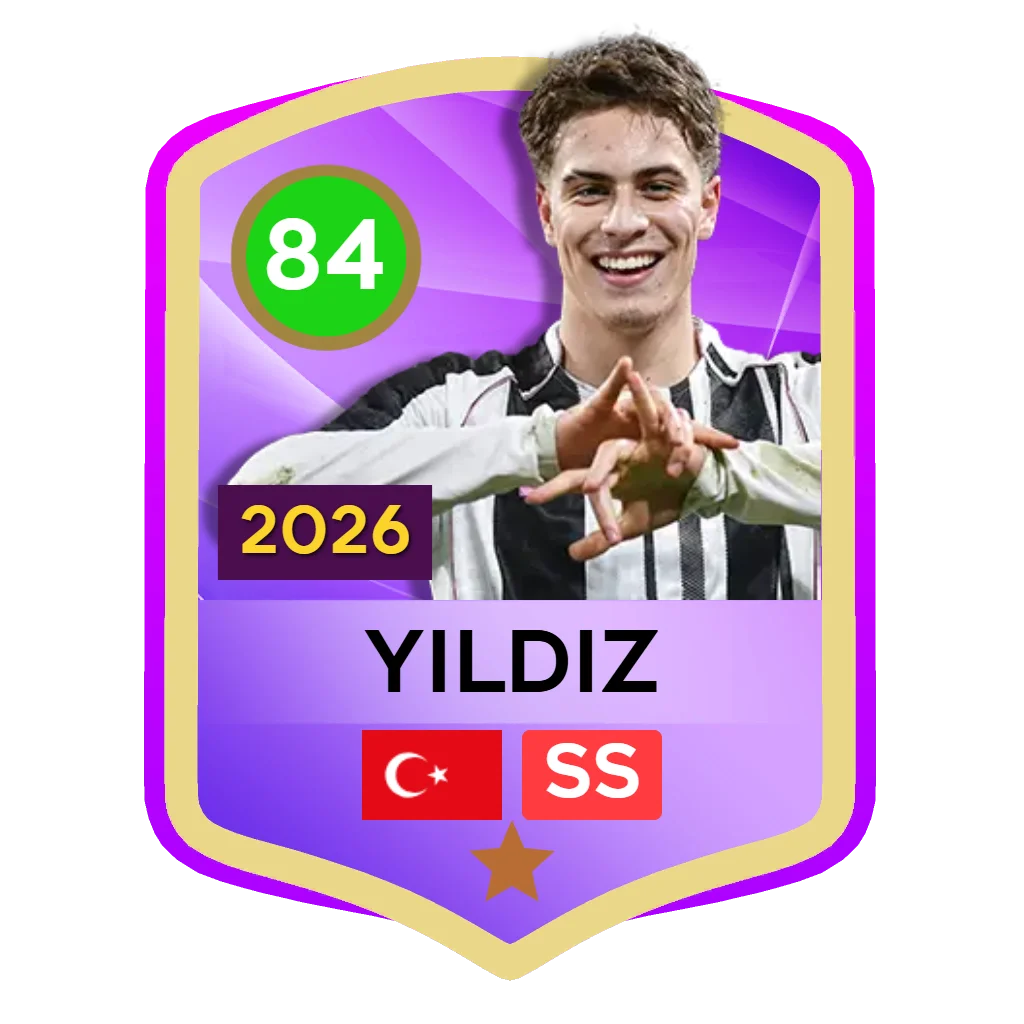
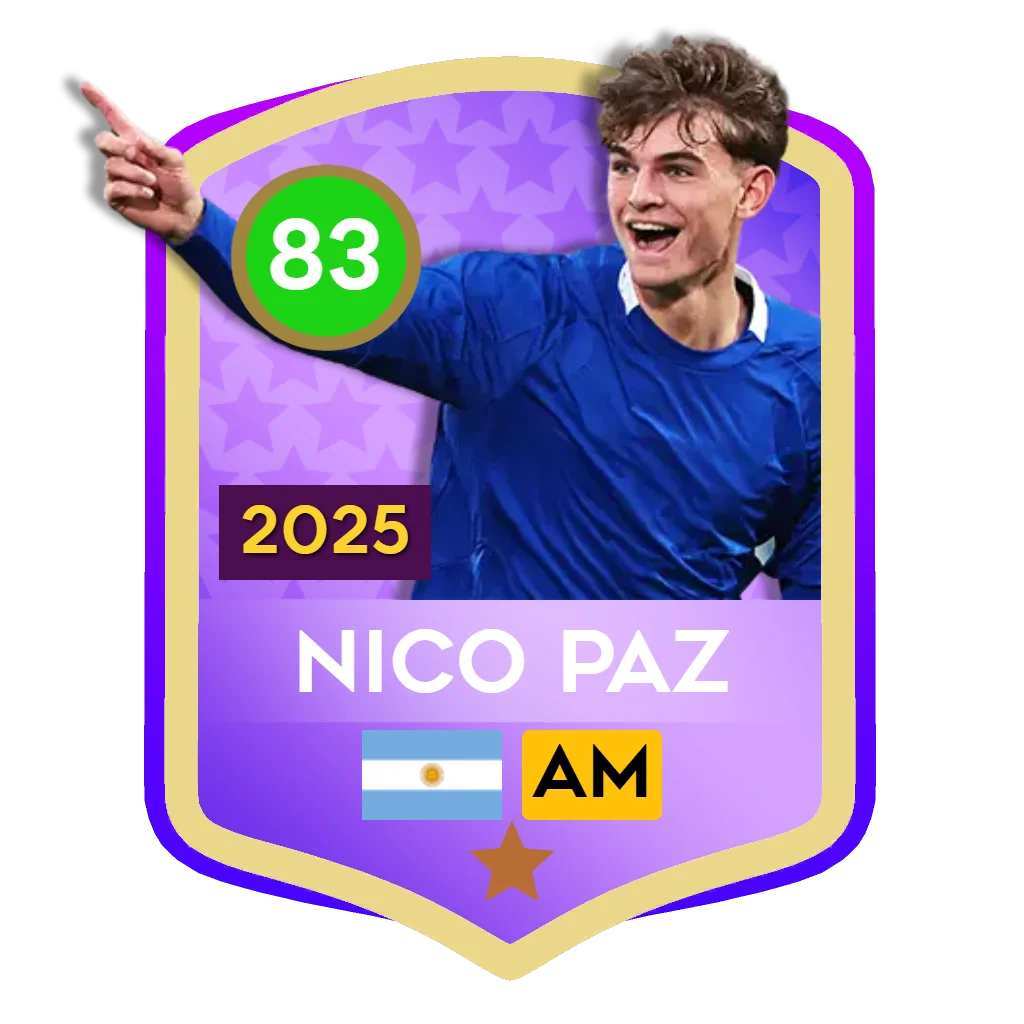
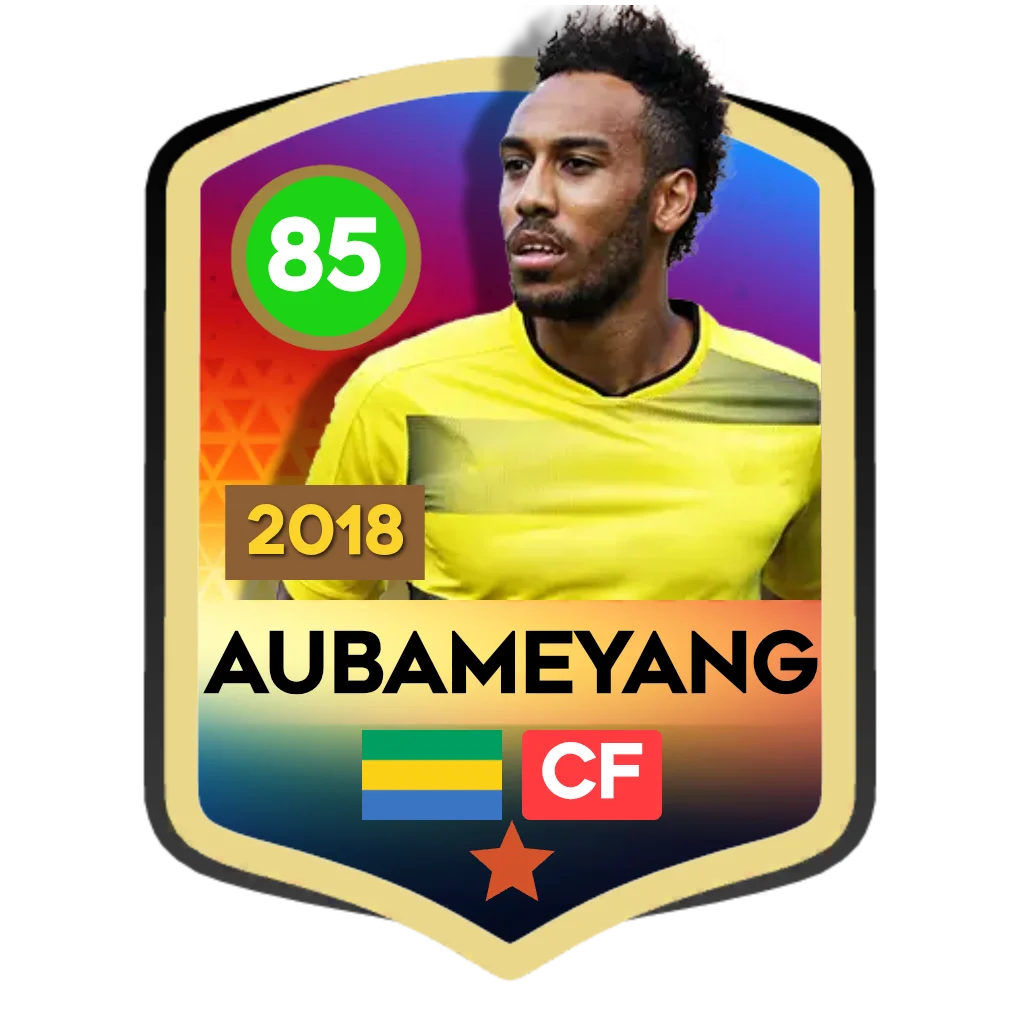
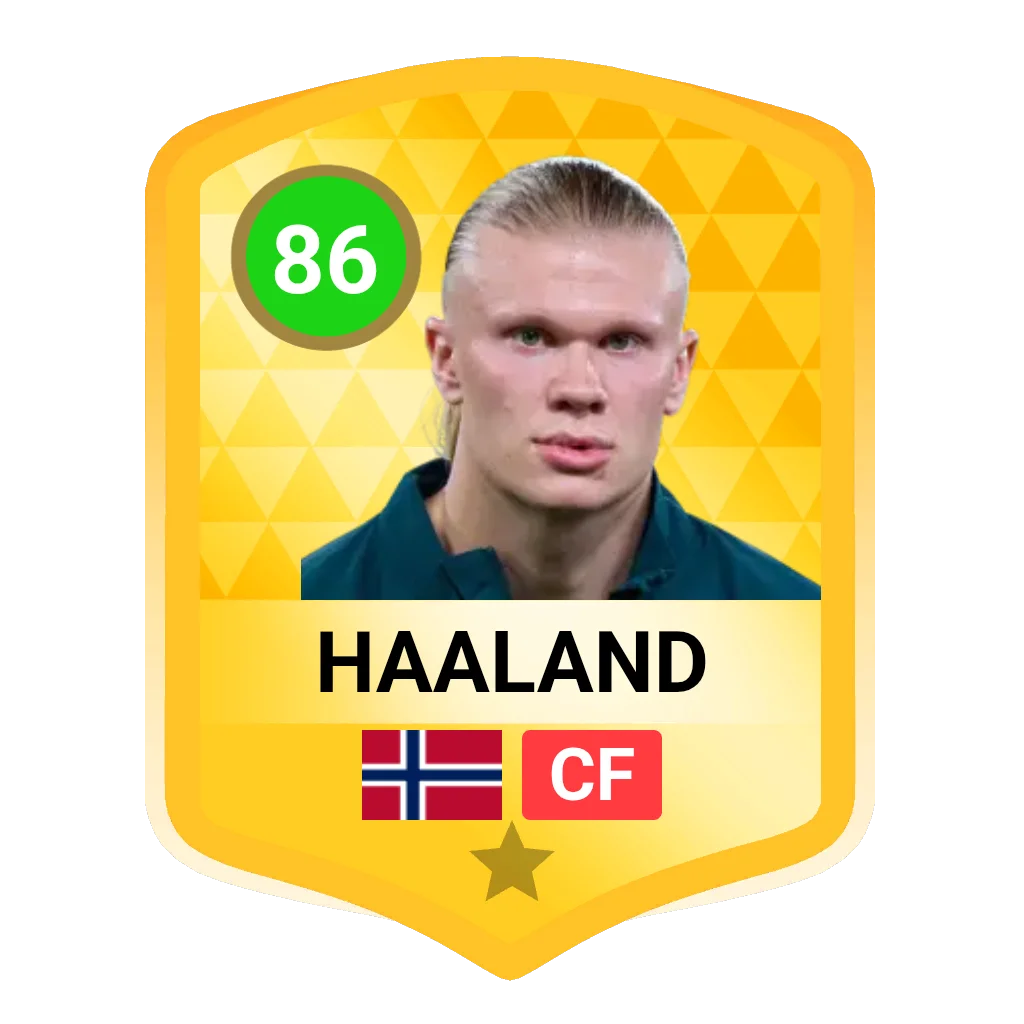
- Max Upgrade Preview: Simulate fully maxed-out (+10 OVR) stats and customize card variants like World Cup Heroes, Dreamstars, and Team of 2025 specials.
How to Share Your Dream Team
Once you have built the ultimate DLS 26 squad, showing it off is incredibly easy. Click the Share button to generate a custom base64 encoded URL that you can send directly to your friends—they can load your exact pitch and edit it themselves! Alternatively, click the Save Image button to download a high-quality, perfectly formatted screenshot of your pitch and lineup, ready to be posted on social media, YouTube thumbnails, or DLS community forums.
Frequently Asked Questions
How is the Team OVR calculated in the DLS 26 Squad Builder?
The Team OVR is automatically calculated by taking the average (mean) base or maxed Overall Ratings of all 11 players currently placed in your starting formation on the pitch. Empty slots are not counted in the division.
How does the Auto-Import Team feature work?
When you select a club or national team, the algorithm scans the entire live database and automatically slots the highest-rated players for that specific team into the correct tactical positions on the pitch, prioritizing primary positions first, followed by categorical fallbacks.
Why does the budget calculator show 0 coins for some players?
Special edition cards such as Champion, World Cup Heroes, or Dreamstars are obtained exclusively through special agents, events, or season passes. Because they cannot be bought directly with regular coins in the standard transfer market, their coin value is nullified in the budget calculator.