
The Juventus 2020–21 kits introduced a refined black-and-white identity with cleaner lines and a more balanced layout compared to previous seasons. In Dream League Soccer 2026, these kits still look sharp, modern, and highly professional.
If you’re searching for 512×512 Juventus 2020–21 kits for DLS 26, along with a reliable Juventus logo download for DLS 26 and step-by-step import guidance, this article covers everything clearly.
Why Juventus 2020–21 Kits Fit Perfectly in DLS 26
The Juventus 2020–21 design philosophy focused on simplicity and clarity. In Dream League Soccer 2026, this results in:
- Strong color contrast during gameplay
- Clean number visibility
- Smooth texture performance in motion
These qualities make the kits ideal for both career mode and competitive online matches.
Juventus Logo Download for DLS 26
To complete your customization, you’ll need the Juventus logo download for DLS 26.
Recommended specifications:
- Resolution: 512×512 pixels
- Format: PNG
- Transparent background
Using the correct size ensures the logo displays properly in menus and scoreboards.

https://i.imgur.com/q9XqcGl.pngHow to Import Juventus Logo in DLS 26
If you’re wondering how to import Juventus logo in DLS 26, follow these steps:
- Copy the Juventus logo URL (512×512)
- Open Dream League Soccer 2026
- Go to My Club → Customize Team → Edit Logo
- Paste the URL and confirm
The logo applies instantly.
Juventus 2020–21 Home Kit (512×512)
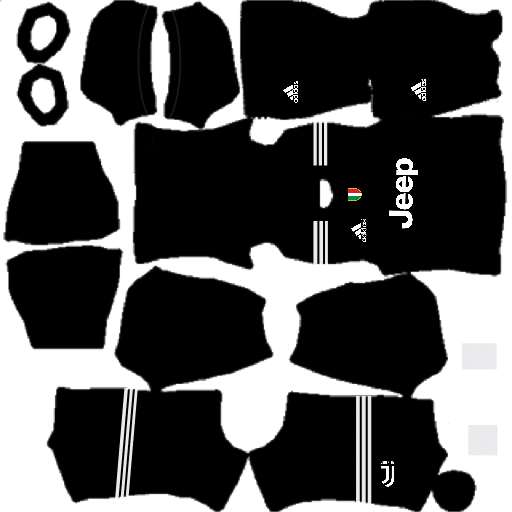
The home kit features the traditional black-and-white base with subtle detailing, maintaining Juventus’ iconic identity.
Why it works well in DLS 26:
- Sharp stripes that don’t blur in fast movement
- Balanced look under stadium lighting
- Professional appearance for long seasons
Using the 512×512 Juventus kits for DLS 26 format ensures perfect scaling and no distortion.
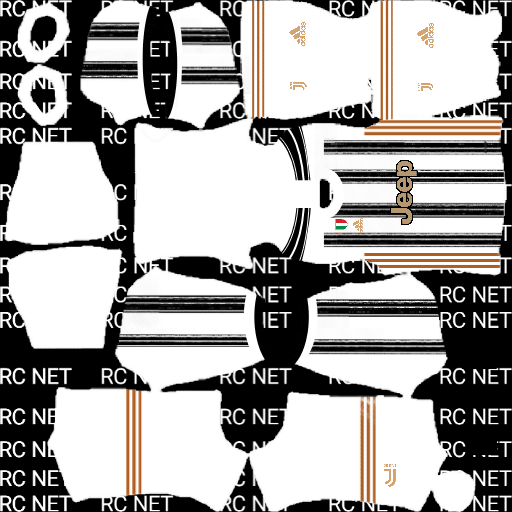
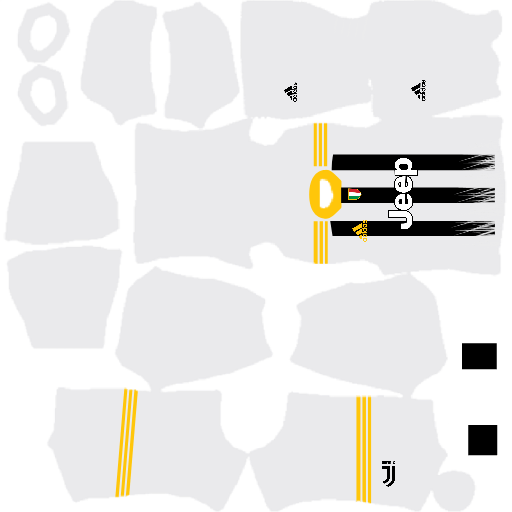
https://i.imgur.com/YbocGVb.pngFantasy Home Kits
https://i.imgur.com/L0jVOjc.pngJuventus 2020–21 Away Kit – DLS 26
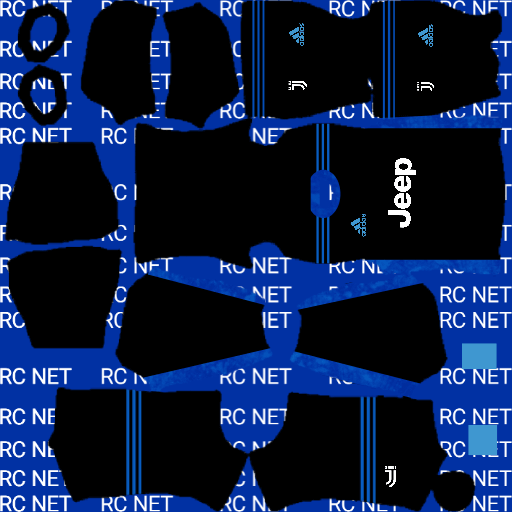
The away kit offers a lighter alternative, designed for better contrast against dark opponents.
Best used for:
- Away league fixtures
- Online matches
- Night games
It remains fully optimized for Dream League Soccer 2026 player models.
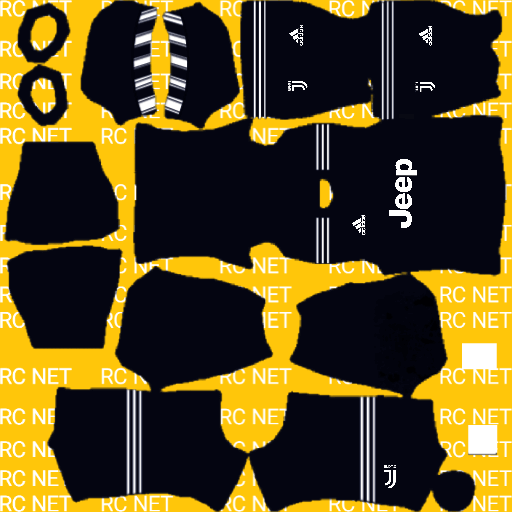
https://i.imgur.com/gogD54L.pngFantasy Away Kits
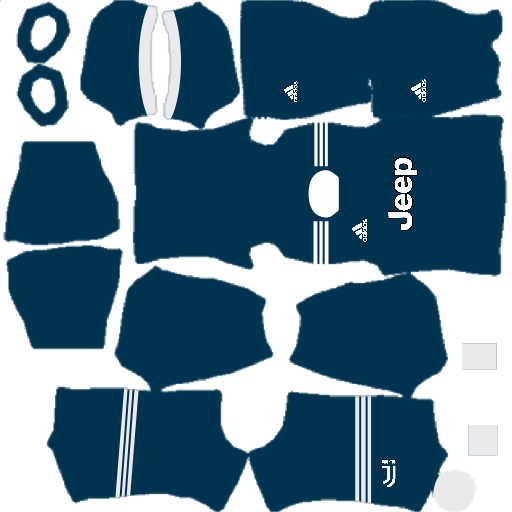
https://i.imgur.com/UWgBxsM.pngJuventus 2020–21 Third Kit
The third kit provides a more experimental look compared to the traditional home design. Many players use it for variety.
Common use cases:
- Cup competitions
- Gameplay recordings
- Long career-mode rotations
All kit versions follow the 512×512 standard, ensuring smooth loading and performance.
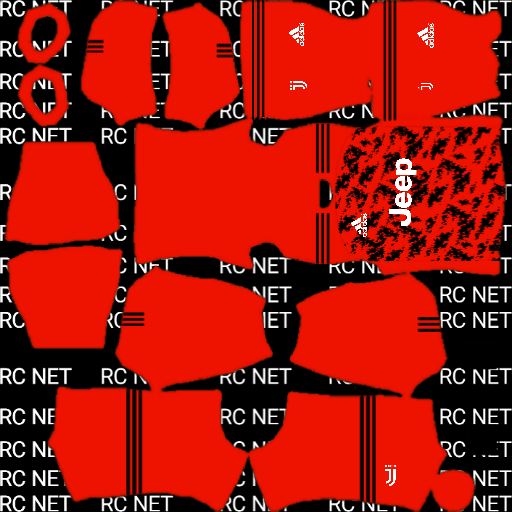
https://i.imgur.com/4rltVJE.pngFantasy Third Kits

https://i.imgur.com/sgOOcfA.pngGK Home Kits
https://i.imgur.com/QzTXISe.pngFantasy GK Home Kits
https://i.imgur.com/DLG3Eoj.pngHow to Import 512×512 Juventus 2020–21 Kits in DLS 26
To use the Juventus 2020–21 kits in DLS 26:
- Copy the kit URL from your website or app
- Open Dream League Soccer 2026
- Navigate to My Club → Customize Team → Edit Kit
- Paste the URL and save
The Juventus 2020–21 512×512 kits for Dream League Soccer 2026 remain a strong choice for players who prefer a clean, traditional club identity with excellent in-game clarity. When combined with the Juventus logo download for DLS 26, your team setup looks complete and polished.
I really like it but I don’t understand why there isn’t any GK away or GK third in this website.