
If you are looking for 512×512 Brazil kits for DLS 26, this post is for you. The Brazil 2019/20 kits are among the most downloaded national team kits because of their clean design, bright colors, and perfect compatibility with Dream League Soccer 2026.
Along with kits, many players also search for the Brazil logo download for DLS 26 to complete their team customization. Below, you’ll find everything explained clearly—kits, logo usage, and how to import them into the game.
Why 512×512 Kits Matter in DLS 26
In Dream League Soccer 2026, the recommended kit size is 512×512 pixels. Using this size ensures:
- Sharp texture quality
- No stretching or blur
- Smooth performance on all devices
That’s why 512×512 Brazil kits for DLS 26 are preferred by most players over low-resolution alternatives.
Brazil Logo Download for DLS 26
To complete your customization, you may also need the Brazil logo download for DLS 26. Using the official-style Brazil logo helps your team menu, scoreboard, and match presentation look more realistic.
Recommended logo size:
- 512×512 pixels
- Transparent background (PNG format)
Using the correct logo size prevents distortion inside the game.
How to Import the Brazil Logo in DLS 26
Many users ask how to import the Brazil logo in DLS 26, and the process is simple:
- Copy the Brazil logo URL (512×512)
- Open Dream League Soccer 2026
- Go to My Club → Customize Team → Edit Logo
- Paste the logo URL and confirm
- The logo will be applied instantly.

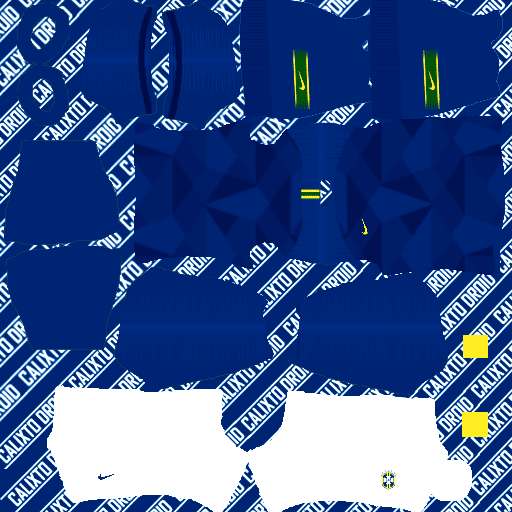
https://i.imgur.com/nWjXVfF.pngBrazil 2019/20 Home Kit (512×512)
The Brazil home kit 2019/20 (512×512) keeps the traditional yellow base with green accents. In DLS 26, this kit looks especially clean due to improved lighting and pitch detail.
Key advantages:
- Clear numbers and names
- Strong visibility in all stadiums
- Classic national team identity
- This kit is ideal for career mode and long league seasons.

https://i.imgur.com/UqwTfFs.pngBrazil Away Kit 2019/20 – 512×512 (DLS 26)
The away kit offers a calmer color tone, making it useful when playing against teams with bright home kits.
Why players use it:
- Better contrast in away matches
- Clean appearance during night games
- Looks professional in recorded gameplay
- Both home and away versions follow the 512×512 format, ensuring full compatibility with DLS 26.
https://i.imgur.com/6MkrO7s.png512×512 Brazil Kits for DLS 26 (Alternate Versions)
Some kit sets include alternate or special designs. These are optional but popular among players who want variety or unique visuals.
- They are especially useful if you:
- Like rotating kits without changing teams
- Create YouTube or short-form gameplay videos
- Play online matches

https://i.imgur.com/pFaErX1.pngGK Home
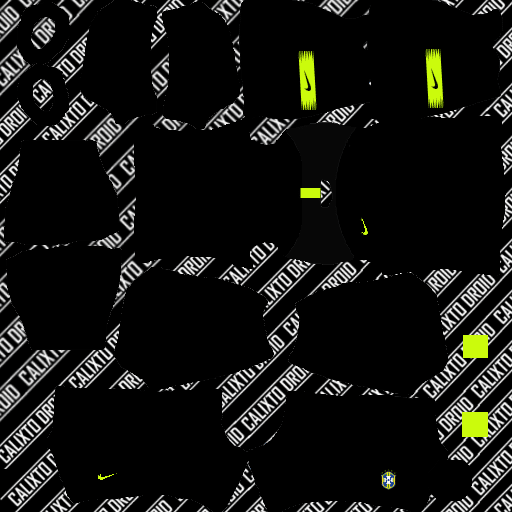
https://i.imgur.com/CePopuO.pngGK Away
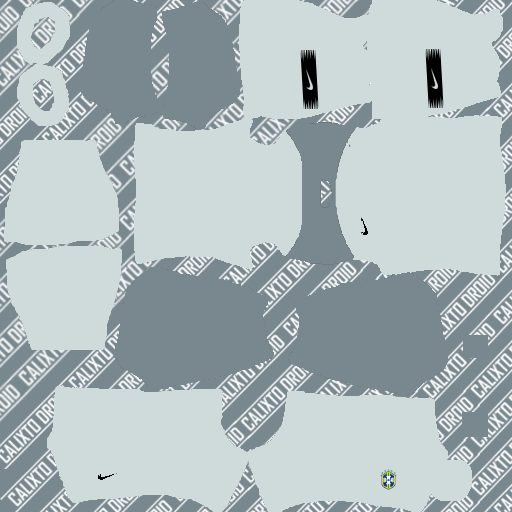
https://i.imgur.com/ODA6C9d.pngGK Third

https://i.imgur.com/ardzUGa.pngHow to Import 512×512 Brazil Kits in DLS 26
To use the 512×512 Brazil kits for DLS 26:
- Copy the kit URL from your website or app
- Open Dream League Soccer 2026
- Navigate to My Club → Customize Team → Edit Kit
- Paste the URL and save
This works for home, away, and alternate kits.
Final Thoughts
The Brazil 2019/20 512×512 kits for Dream League Soccer 2026 are perfect for players who want high-quality visuals, national team identity, and smooth performance. When combined with the Brazil logo download for DLS 26, your team looks complete and professional inside the game.
(Dls) sponser is so noisy i hope they remove it quickly please bro go and see it it’s so noisy
Please bro intermilan kits
Intemillan kits this website doesn’t have it so ya deal with it or get the best team in the world right now Liverpool
Intemillan kits this website doesn’t have it so ya deal with it or get the best team in the world right now Liverpool
I’m the next Pele
bro argentina national team er jersy dewa jabe?
Please introduce other international kits as well
France national team in dls
💝💝💝🤟
🥰🥰🥰🥰
Good
Great